Key Takeaways
Robotic surgery programs face a critical inflection point: as arm counts grow from 36 to 108, traditional storage approaches collapse under the weight of congestion, damage, and mis-picks. Facilities managing $5-15M in robotic inventory cannot afford case delays from stockouts or equipment damage from improvised stacking. The solution lies not in adding square footage, but in optimizing storage density, workflow zones, and governance before the system breaks.
This guide provides a step-by-step framework for scaling robotic surgery storage from startup programs to high-volume operations, with specific metrics, slotting strategies, and implementation timelines proven to cut pick times by 60% while protecting high-value assets.
Robotic surgery programs store more than arms. A 72-arm program manages patient carts, vision towers, instrument trays, drapes, cables, and consumables—often totaling 500-2,000 instruments worth $5-15M. Each item type demands different handling, environmental controls, and proximity to sterile instrument storage or ORs.
What is stored:
| Item type | Examples | Typical storage unit | Handling sensitivity | Where it's usually stored |
| Robotic arms | da Vinci Xi (42-54" L, 40-60 lbs), Versius (33 lbs), Mako (150 lbs) | Enclosed cart, mobile rack | High | Substerile, core storage |
| Instrument sets | 200-500 specialized instruments per platform | Trays, VLM drawers | High | Core storage, SPD proximity |
| Carts and bases | Patient carts (10.7 sq ft footprint), vision carts | Cart bay, alcove | Medium | OR staging, substerile |
| Accessories | Drapes, cables, vision systems | Bin, shelf | Medium | Central storage |
| Consumables | Cannulas (6-8mm), trocars | Shelving, cabinet | Low | Central supply |
Space demands scale non-linearly. At 36 arms, high-density shelving handles variability. At 108 arms, you need automated retrieval and strict governance to prevent congestion.
Space requirements and design changes by scale:
| Arms | Sq Ft Required | Primary Model | Complexity | Common Failure Mode | Must Standardize First |
| 36 | 200-400 | POU/Hybrid | Low | Inconsistent labeling | Location naming, tray organization |
| 72 | 400-700 | Hybrid/Central | Medium | Overflow creep | Slotting by frequency, cart flow |
| 108 | 600-1,000 | Central/ASRS | High | Congestion, damage | End-to-end workflow, governance |
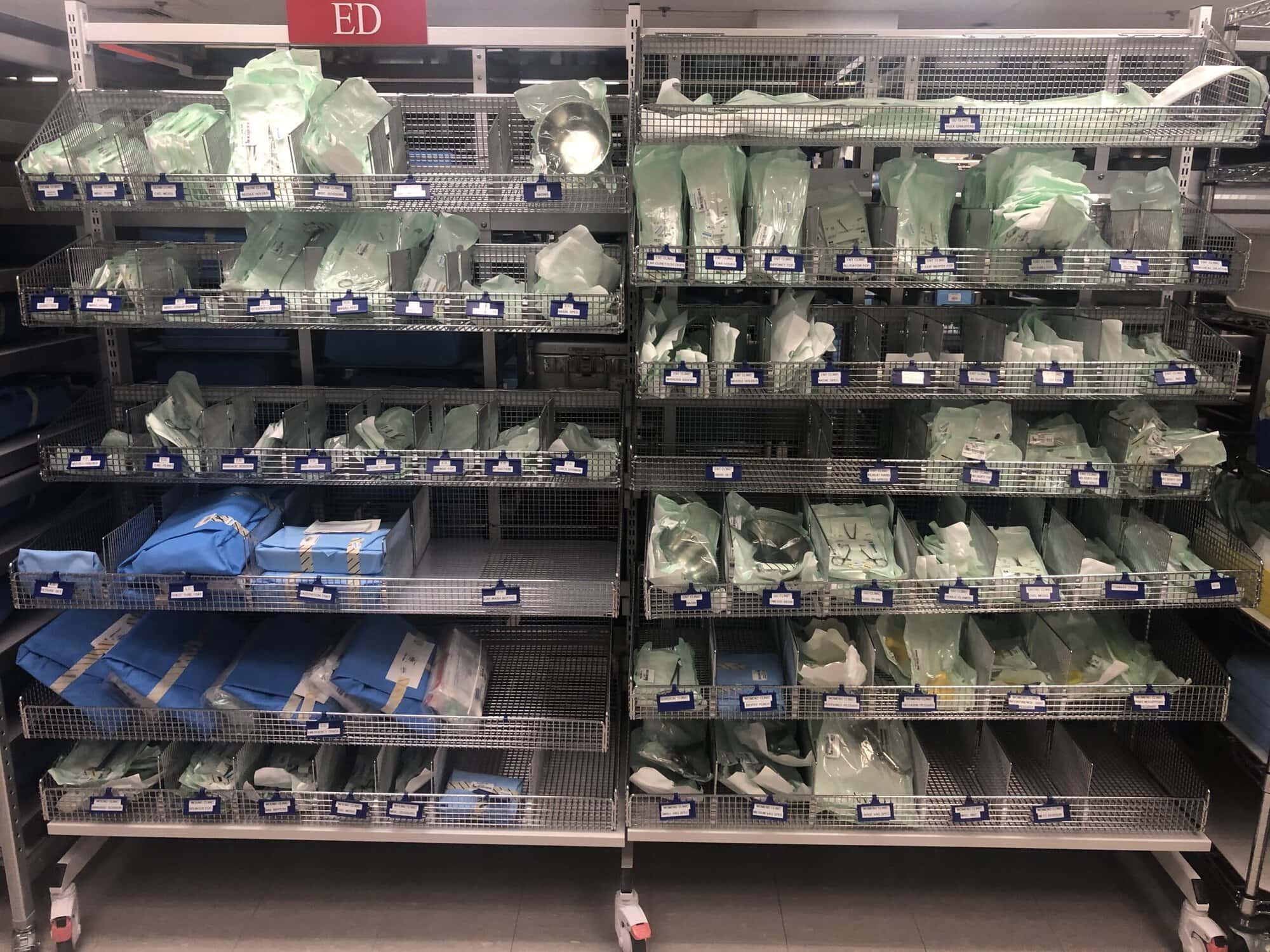
Poor storage design costs time, damages equipment, and delays cases. One facility cut its footprint from 2,500 sq ft to 375 sq ft using Vertical Lift Modules while improving retrieval times from 15-20 minutes to 5-8 minutes. Adding space without optimizing slotting, flow, or density just spreads inefficiency across more square footage.
Costs of undersized storage at 36–108 arms:
Design starts with usage data, not floor plans. Established programs maintain 3-8 complete robot systems and 500-2,000 instruments. Effective inventory management means slotting high-frequency items near pick zones and staging same-shift reuse items separately to prevent bottlenecks during turnover windows.
Usage-frequency data to capture for slotting:
Peak-day data to capture for sizing:
Storage must accommodate weight, environmental controls, and workflow separation. Mako and Hugo components at 150 lbs require team lifts. Sterile areas demand 64-78°F, 30-60% RH, and dust-free enclosures. Shelving sits 8"+ off the floor for cleaning access.
Critical constraints the design must respect:
Architecture choice depends on OR count, distance to SPD, and turnover targets. Locating storage within 50-100 ft of SPD cuts transport times 40-60%. High-volume programs (500+ cases annually) need 50-80% more accessible storage. Most facilities with over 72 arms use hybrid models to balance speed and governance.
Point-of-use storage: Places arms within or adjacent to OR suite, minimizing travel time. Works best for 1-2 dedicated robotic ORs with high daily volume and available substerile space (200-400 sq ft for 36 arms).
Centralized storage: Consolidates equipment in a single controlled area within 50-100 ft of SPD. Essential for 3+ robotic ORs with variable schedules requiring shared utilization and governance over multi-platform inventory.
When hybrid model is best:
| Decision Factor | POU Wins | Central Wins | Hybrid Approach |
| Number of ORs | 1-2 dedicated | 3+ shared | 2-3 high-volume + occasional |
| Distance to core | Substerile available | >100 ft to POU | Mixed: some near, some far |
| Turnover targets | <30 min same-shift | >45 min next-case | Variable by room |
| Growth rate | Stable | Expanding 15-25% annually | Rapid in select service lines |
Start with peak-day on-hand requirements: max concurrent cases plus turnover buffer plus next-day prep. Add growth buffer for 15-25% annual expansion. Separate high-frequency from long-tail inventory to prevent congestion in pick zones.
Growth buffer by scale:
| Arms | Buffer Range | Trigger to Expand | Overflow Policy |
| 36 | 10-15% | >85% utilization 3+ months | Max 2-week dwell in Zone 3 |
| 72 | 15-20% | New service line, >500 cases/year | Monthly purge; approval required |
| 108 | 20-25% | Sustained 20%+ growth | Strict 5% cap; weekly governance |
Zoning by access frequency prevents high-turn items from getting buried behind long-tail inventory. Strict zone discipline stops overflow creep that kills efficiency at scale.
Zone structure:
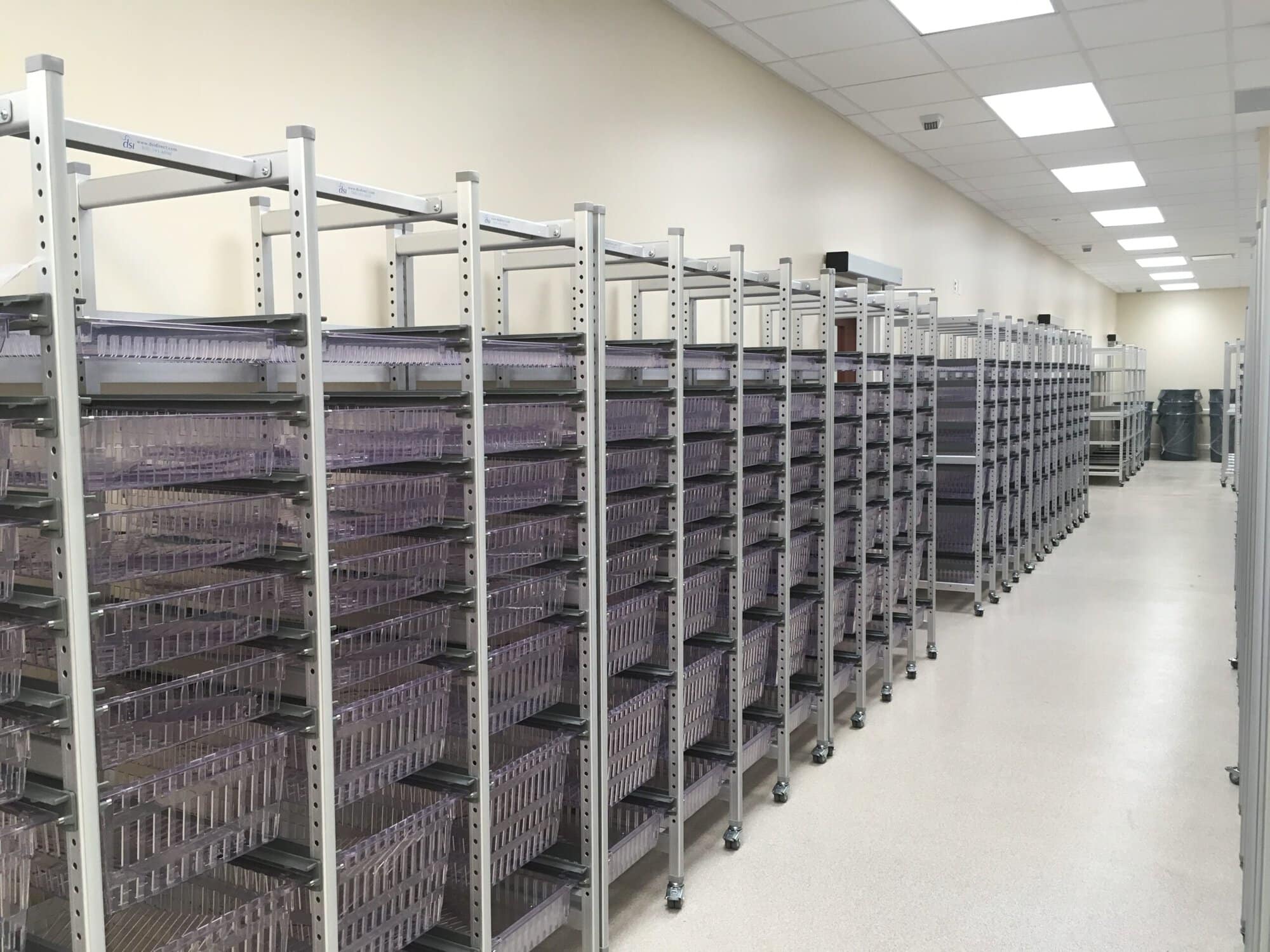
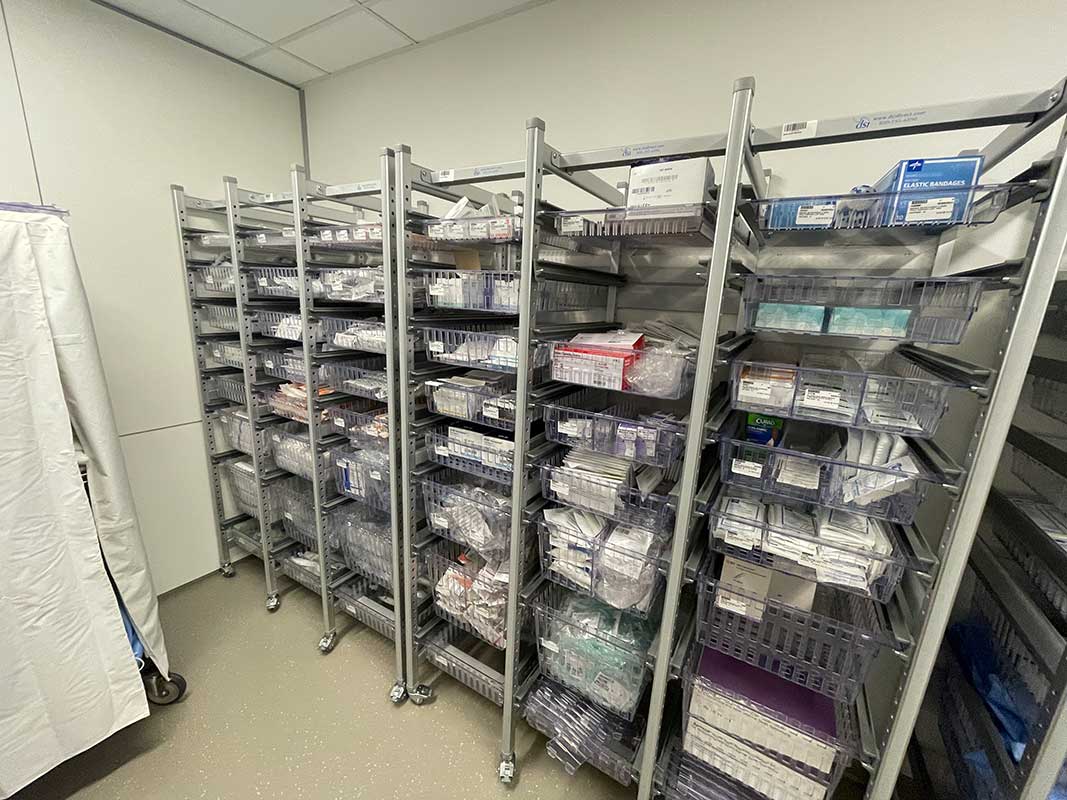
Vertical storage systems increase capacity 60%+ by using full room height. High-density mobile shelving (Spacesaver, Patterson Pope) adds 40-100% capacity by eliminating fixed aisles. Both require discipline: vertical systems need automated retrieval for heavy items; mobile shelving demands training on pinch points.
Density comparison:
| Option | Capacity Impact | Best For | Avoid When | Mitigations |
| Vertical storage (VLMs, tall racks) | +60% capacity | Low-frequency items (Zone 3-4) | High-turn items; >40 lbs | Automated retrieval, team lifts |
| Mobile shelving | +40-100% capacity | Central storage; 72-108 arms | <36 arms; Zone 1 high-speed access | Training on pinch points, track maintenance |
Aisle clearance: 6 ft minimum for two carts to pass; 8 ft for turning radius; marked "no parking" zones at choke points.
Storage fails when slotting, labeling, or governance breaks down. At 36 arms, inconsistent naming creates search time. At 108 arms, it stops cases. Overflow becomes permanent when programs skip purge cadence and cap rules.
Mistakes that cause failures:
Define success metrics before moving anything. Baseline pick time (15-20 min) and target improvement (5-8 min) drive slotting decisions. Space utilization over 90% prevents flexibility; under 80% wastes footprint. Track stockouts, damage, and cycle count accuracy to catch process drift.
Success metrics to define before changes:
Slotting plan by scale:
| Arms | Slotting Approach | Zone Emphasis | Re-slot Cadence | Overflow Rule |
| 36 | Frequency-based (ABC) | Zone 1-2 (80% picks) | Quarterly | 10% cap; 2-week max dwell |
| 72 | Workflow + frequency | Zone 1-3 balanced | Monthly or after >15% volume change | 5% cap; weekly purge |
| 108 | Zone-driven with automation | Zone 1 (<5% footprint, 60% picks) | Continuous (usage-triggered) | 3% cap; daily review |
Workflow grouping: Group by pick → stage → use → return → inspect → restock rather than by ownership. This co-locates everything needed for a procedure, reducing touches and travel.
Pick/return path design:
Status separation prevents contamination and mis-picks. Ready-to-use items stay in Zone 1-2 with green tags. Needs-inspection items go to quarantine. Damaged items are locked away until disposal or repair. Visual controls (color bands, sealed containers, unique asset tags) eliminate guesswork.
Status separation:
| Status | Visual Indicator | Storage Zone | Who Changes Status | Next Step |
| Ready-to-use | Green tag, sealed | Zone 1-2 | SPD after inspection | Issue to case |
| Needs inspection | Yellow tag | Quarantine area | SPD after cleaning | Inspect → green → storage |
| Damaged/hold | Red tag | Locked area | Equipment coordinator | Repair or dispose |
Controls to prevent mix-ups: Unique IDs (asset tags, barcodes), scan/check protocols, color bands by platform, standard containers, exception bins.
Hierarchical naming prevents navigation errors. Zone prefixes (Z1-Z4) identify frequency tier instantly. Platform-type-size naming eliminates ambiguity. Color plus text status tags provide redundancy. Cycle count frequency increases with scale and risk.
Labeling system:
| Element | Standard | Example | Why It Prevents Errors |
| Aisle/rack/bin format | A-R-B-L | A01-R03-B12-L2 | Hierarchical navigation |
| Zone codes | Z1-Z4 prefix | Z1-A01-R03-B12-L2 | Identifies frequency tier instantly |
| Item naming | [Platform]-[Type]-[Size] | DV-ARM-R | Eliminates ambiguity |
| Status tags | Color + text | Green "RTS" | Visual + text redundancy |
Cycle count schedule:
| Arms | Count Frequency | Scope | Error Threshold | Corrective Action |
| 36 | Quarterly full; monthly spot | Zone 1 monthly | >2% | Recount; retrain if user error |
| 72 | Monthly full; weekly spot | Zone 1 weekly; Z2 biweekly | >1.5% | Audit processes; require barcode scan |
| 108 | Weekly rolling; daily Z1 spot | 20% weekly rolling | >1% | System audit; investigate scan discipline |
Split ownership prevents anyone from owning everything and no one from owning anything. OR managers approve case-critical kits. SPD owns status changes and restocking. Materials sets par levels and runs cycle counts. The equipment coordinator tracks high-value assets. Time-boxing and overflow caps prevent temporary storage from becoming permanent.
Role ownership:
| Role | Decision Rights | Daily Responsibilities | Metrics Owned |
| OR Manager | Approve case-critical kits | Case cart verification | OR turnover time, case delays |
| SPD Manager | Approve status changes | Inspect returns, restock | Turnaround time, contamination events |
| Materials Manager | Approve slotting, set par levels | Cycle counts, purge overflow | Space utilization, inventory accuracy |
| Equipment Coordinator | Approve high-value moves | Asset tracking, maintenance | Asset utilization, damage rate |
Rules to prevent permanent overflow: Time-boxing with expiration dates, weekly purge of temp staging, overflow caps (5% max), and individual accountability for temp items.
Track space, time, and quality metrics. Location utilization over 90% signals congestion; under 70% means wasted footprint. Overflow trending up warns of slotting failure. Pick time dropping from 15-20 min to 5-8 min proves workflow gains. Damage rates under 0.5% protect $5-15M inventory value.
Key KPIs by category:
| Category | KPI | Target | Why It Matters |
| Space | Location utilization | 80-90% | >90% too tight; <70% underutilized |
| Space | Overflow rate | <5%, trending down | Signals slotting failure |
| Time | Pick time | 5-8 min (vs 15-20 baseline) | Direct turnover impact |
| Time | Travel time | Reduce 40-60% | Reduces staff fatigue, increases capacity |
| Quality | Damage rate | <0.5% monthly | Protects $5-15M inventory |
| Quality | Cycle count accuracy | >98% | Prevents stockouts, losses |
Yes. Vertical storage increases capacity 60%+, and mobile shelving adds 40-100%. One facility reduced its footprint from 2,500 sq ft to 375 sq ft using VLMs. For 108 arms, expect 600-1,000 sq ft with ASRS/mobile shelving vs 1,500+ sq ft with traditional shelving. Requires strict overflow controls (<5% cap) and zone-driven slotting (Zone 1 <5% footprint, 60% picks).
Yes, especially within 50-100 ft of SPD (reduces transport time 40-60%). Works well for 3+ ORs with shared utilization. However, programs with 500+ cases annually need 50-80% more accessible storage, so consider a hybrid with Zone 1 point-of-use.
36 arms: quarterly or after procedure mix changes. 72 arms: monthly when volume spikes >15%. 108 arms: continuous via usage data (ASRS analytics auto-promote high-frequency items to Zone 1).
Start with Zone 1—the top 20% of picks that drive 60-80% of activity. Define standards before moving inventory. Measure baseline metrics to prove ROI. Build governance cadence to prevent backsliding.
30-day plan:
90-day plan:
6–12 Month Plan:
Robotic Surgery Storage Space optimization strategies enable robotic surgery programs to scale without adding square footage. By defining zones, enforcing overflow caps, and slotting by frequency, facilities cut pick times from 15-20 minutes to 5-8 minutes while protecting $5-15M inventory. The system scales when every location earns its place through data, not habit.
First Actions If You Can Only Change One Thing This Week:
How to keep the system scalable: Maintain zone discipline (high-frequency in <5% of footprint), weekly governance to prevent overflow creep, and continuous re-slotting driven by usage data. As you grow from 36 to 108 arms, tighten slotting and invest in density (vertical storage, mobile shelving, ASRS) rather than adding more square footage.
Review our complete implementation guide or contact our team to design a scalable system that grows with your program.

With 21 years of sales management, marketing, P&L responsibility, business development, national account, and channel management responsibilities under his belt, Ian has established himself as a high achiever across multiple business functions. Ian was part of a small team who started a new business unit for Stanley Black & Decker in Asia from Y10’ to Y14’. He lived in Shanghai, China for two years, then continued to commercialize and scale the business throughout the Asia Pacific and Middle East regions for another two years (4 years of International experience). Ian played college football at the University of Colorado from 96’ to 00’. His core skills sets include; drive, strong work ethic, team player, a builder mentality with high energy, motivator with the passion, purpose, and a track record to prove it.